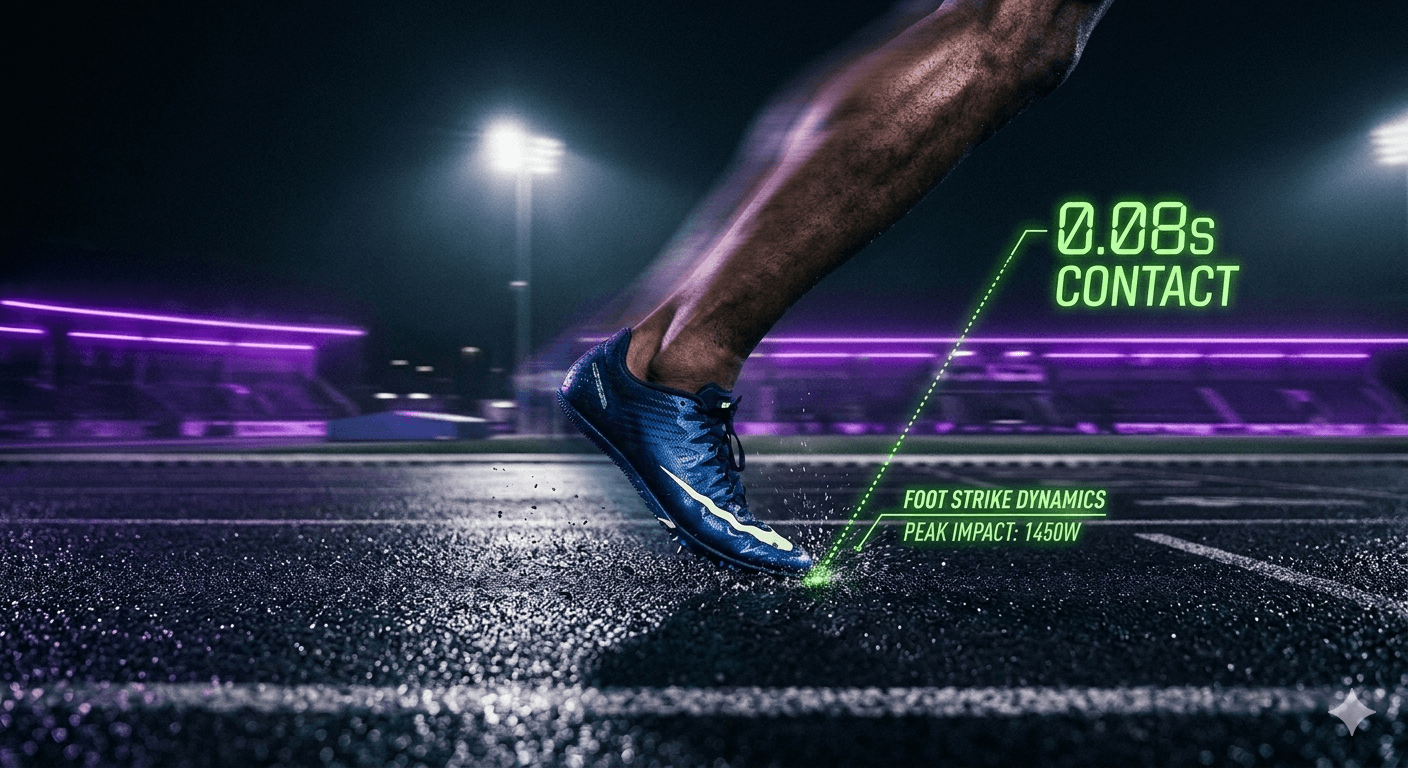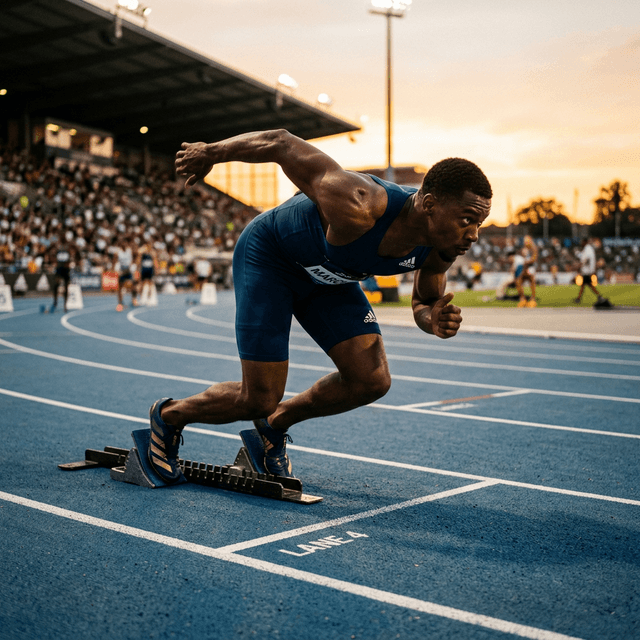
In the high-stakes world of sprinting, a hundredth of a second isn't just a number—it’s the thin line between a personal best and another day of "what ifs." Historically, capturing consistent practice run times required laser gates, transponders, or professional systems like FreeLap or FinishLynx.
SpeedTrackr takes a different path: two devices as wireless timing gates (the second can be Android, iPhone, or a laptop).
This is practice-grade timing, not official FAT, and not a native iOS App Store product. The old /tools/photo-finish page is gone; timing gates live in the Android app and on the web for a mixed finish device. This guide covers how phone-based finish detection works and how to use it honestly in training. For hardware comparisons and the primary timing CTA, read phone sprint timing vs laser gates. Get the Android app on Google Play.
The Science of Detection: AI vs. Pixel Engines
SpeedTrackr gives you a choice of two detection "engines." Selecting the right one for your environment is the single most important factor in data reliability.
1. The AI Engine (Google MoveNet Integration)
The AI engine utilizes a deep learning model to identify 17 human keypoints in real-time. It doesn't just see "motion"; it recognizes a human torso.
- When to use: On a modern Android (Pixel 7+ class or equivalent) in clear, daylight conditions. Native AI detection is Android-first; mixed finish devices can use the web app.
- The Competitive Edge: This engine is virtually immune to "false triggers." A bird flying past the lens or a leaf blowing across the track will not trigger the sensor. It specifically waits for the athlete's torso to cross the vertical plane.
- Performance Note: This engine performs best when the device is placed 3–5 meters away from the finish line, allowing the AI to "lock on" to the athlete well before the crossing event.
2. The Pixel Engine (Dynamic Light Differentiation)
The Pixel engine monitors rapid changes in color and intensity within a specific "Sensor Zone."
- When to use: Low-light conditions (evening sessions under floodlights), older smartphones, or when the camera is positioned very far from the finish line (e.g., at the 100m start looking down the track).
- The Competitive Edge: It is computationally ultra-lightweight. It provides the highest frame-rate capture because it doesn't have to "think" about what it’s seeing—it just reacts to change.
- Optimization: You must calibrate the Sensitivity slider. In high-speed sprinting, 0.6 is the "Golden Ratio." Too high, and the wind might trigger it; too low, and you might ghost through the sensor.
The "Solo Master" Workflow: Using Solo Mode Effectively
The biggest pain point for track athletes is training without a partner. Solo Mode transforms your phone into an automated training assistant.
Step-by-Step Setup:
- Calibration: Place your phone on a tripod at the 30m or 60m finish line. Use the preview screen to ensure the track is level.
- Arm the Walkback: Set your
Walkback Time(default 30s) to allow enough time to walk casually to your start blocks. - The Audio Sequence:
- "On your marks": A cue to settle into your blocks.
- "Set": The app checks if you are steady (if AI is enabled).
- "BANG": The starter pistol sound marks
T=0.
[!TIP] Use a Bluetooth speaker if you are starting from 30m+ away. Even the loudest phone speakers can be hard to hear on a windy track.
Deep Dive: Comparing SpeedTrackr to the Competition
How does SpeedTrackr's computer vision stack up against the hardware kings?
| Metric | SpeedTrackr | FreeLap (FXBeam) | Standard Stopwatch |
|---|---|---|---|
| Accuracy Variance | +/- 0.02s | +/- 0.02s | +/- 0.20s (Human Lag) |
| Setup Cost | Free to start (Google Play) | $650+ (Beam + Watch) | $15 |
| Data Continuity | Saved in the Android app | Manual Sync Required | Handwritten Log |
| Solo Friendly | Built-in Audio Starter | Requires Transponder | No |
| False Start Detection | Integrated AI Analysis | None | Coach's Eye |
While systems like FreeLap are excellent for large teams, SpeedTrackr offers a more portable, data-rich alternative for the individual athlete or small club. Because we use video, you don't just get a time—you get a frame-by-frame replay of the finish.
Advanced Troubleshooting: Lighting and Backgrounds
To keep start/finish times consistent, you need to think like a cinematographer.
- Shadow Management: In the late afternoon, long shadows can trigger the Pixel engine before your chest crosses the line. Try to position the camera so the athlete is "backlit" or use the AI engine to ignore shadows.
- Background Contrast: If you're wearing a blue jersey on a blue track, the Pixel engine might struggle. Try to wear colors that pop against your environment.
- Stability: A shaky tripod is the enemy of precision. If it's windy, hang your gym bag from the tripod to weight it down.
Frequently Asked Questions
Q: Can I use this for 100m hurdles? A: Yes! However, we recommend the AI engine to ensure the tool tracks your body and not a falling hurdle.
Q: Does it work with my chest or my feet? A: Meet timing is based on the torso. The AI engine aims for the torso so training start/finish times stay consistent with how you would be judged — they are still practice times, not official meet results.
Q: Will it drain my battery? A: Heavy AI processing is battery-intensive. We recommend starting your session with at least 50% battery or bringing a small power bank for long training blocks.
Practice-grade precision on the phones you already own. Start with phone sprint timing vs laser gates, then get SpeedTrackr on Google Play. For solo start reaction practice, see Reaction Pro.
Put it into practice.
Turn this insight into numbers — time your sprints, measure your jumps, and track your reaction time with SpeedTrackr for Android.
Free 4-week sprint plan.
Join the weekly sprint newsletter and get a research-backed 100m training blueprint — acceleration, max velocity, plyometrics, and speed endurance. Instant download.
Weekly, no spam. Unsubscribe anytime.